House Color

Virtually paint your house before you buy a gallon

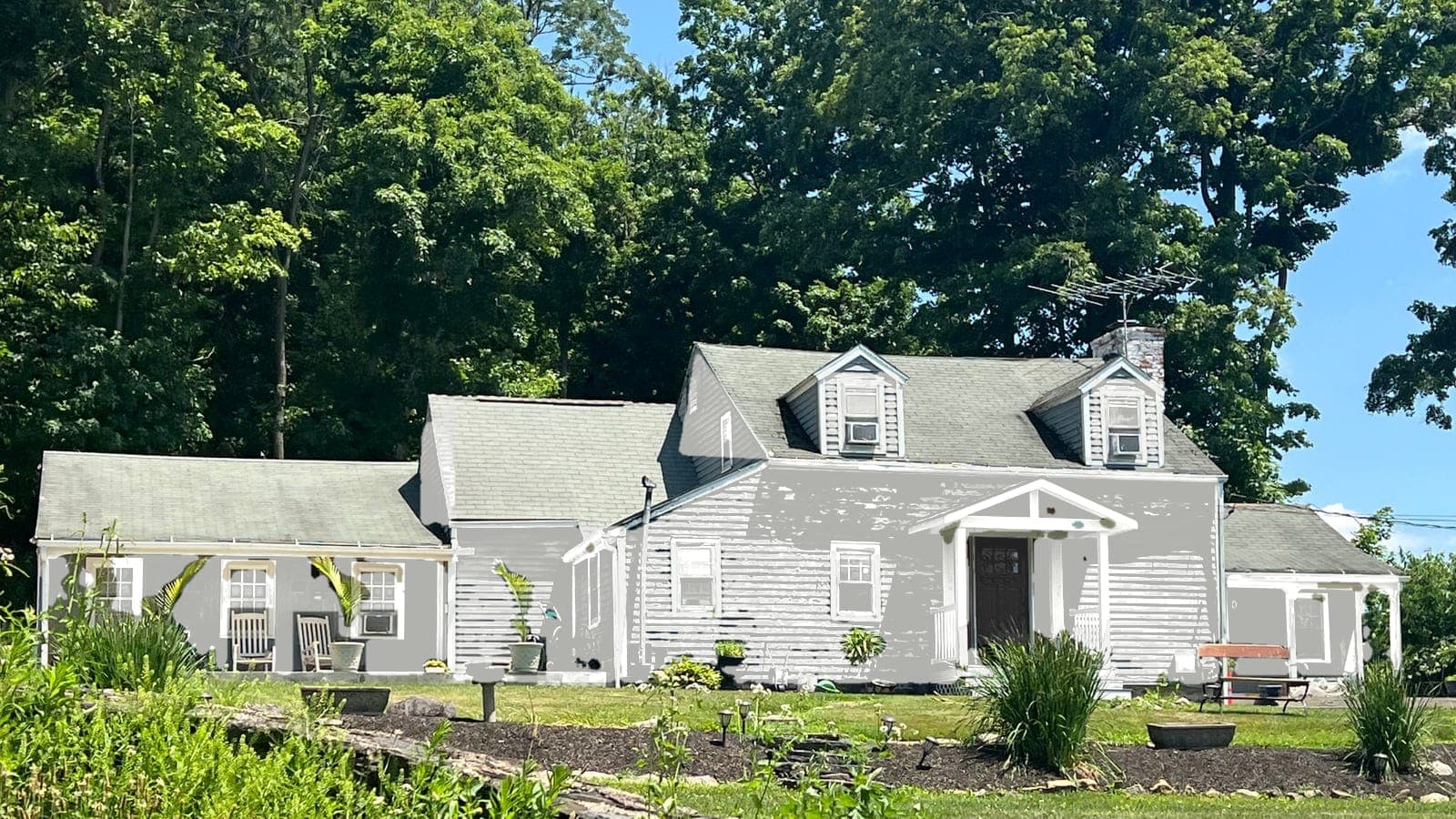
One photo, real paint colors, the same house. Try a few looks side by side before you spend a dollar on paint.

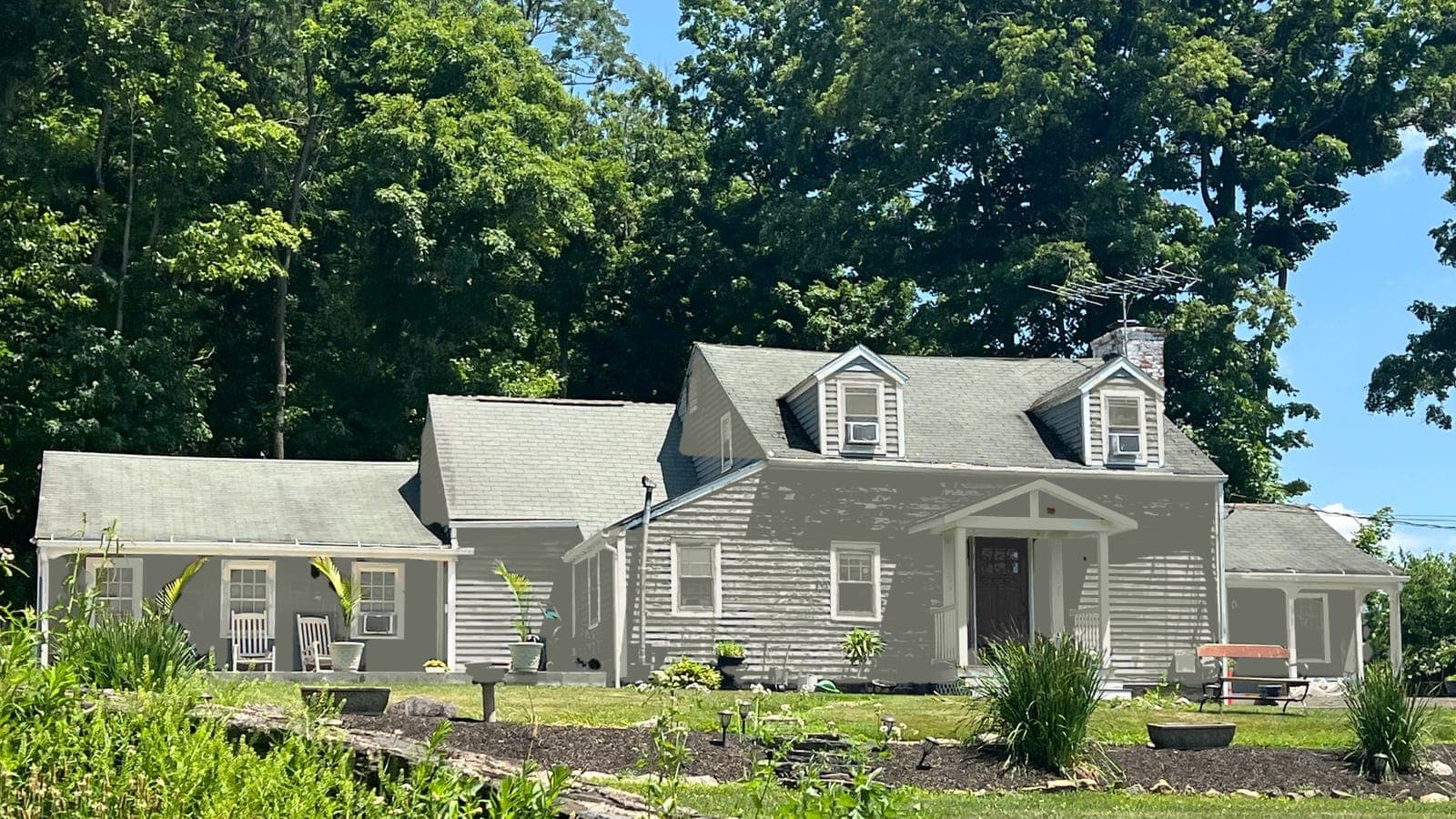
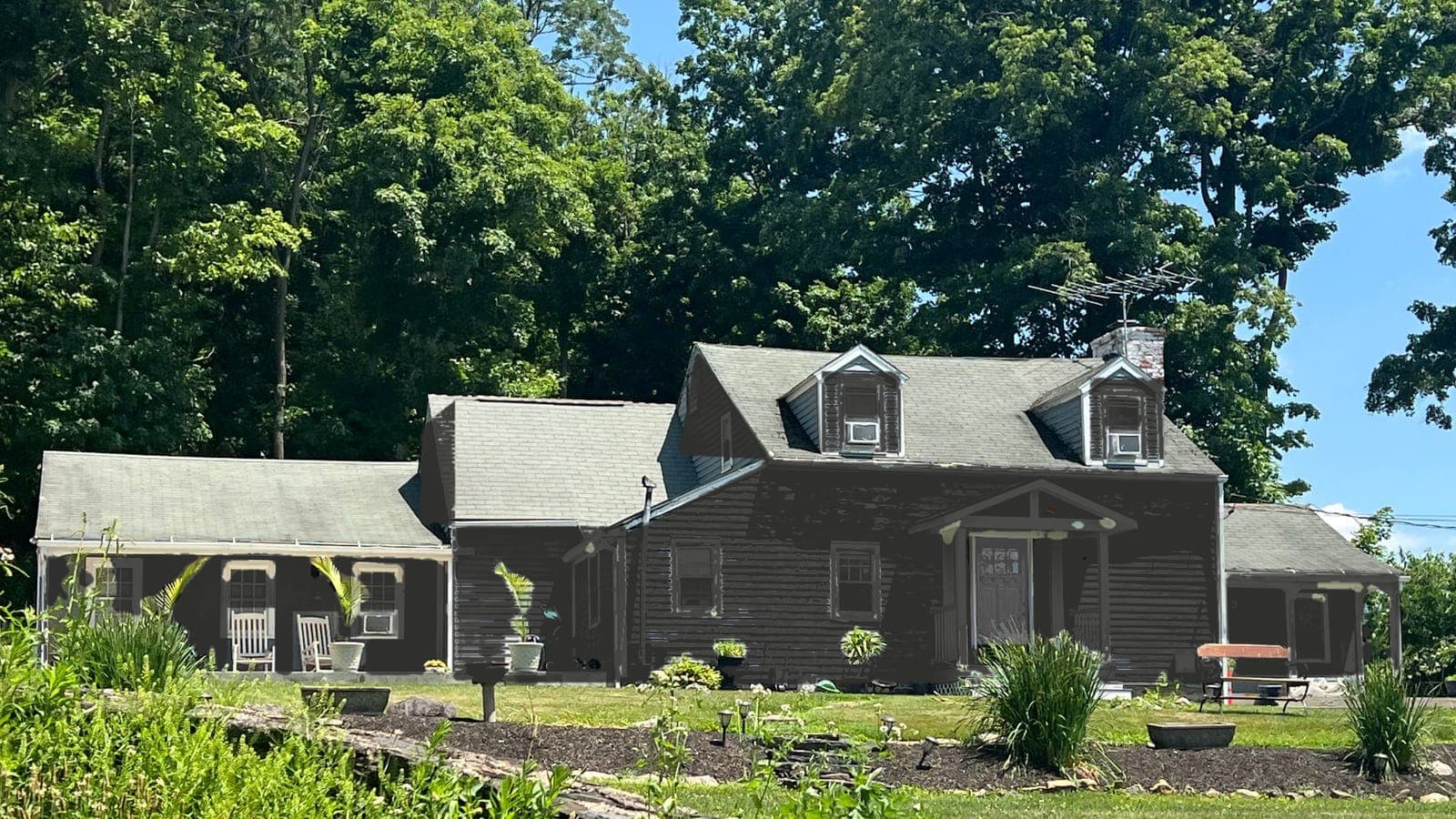
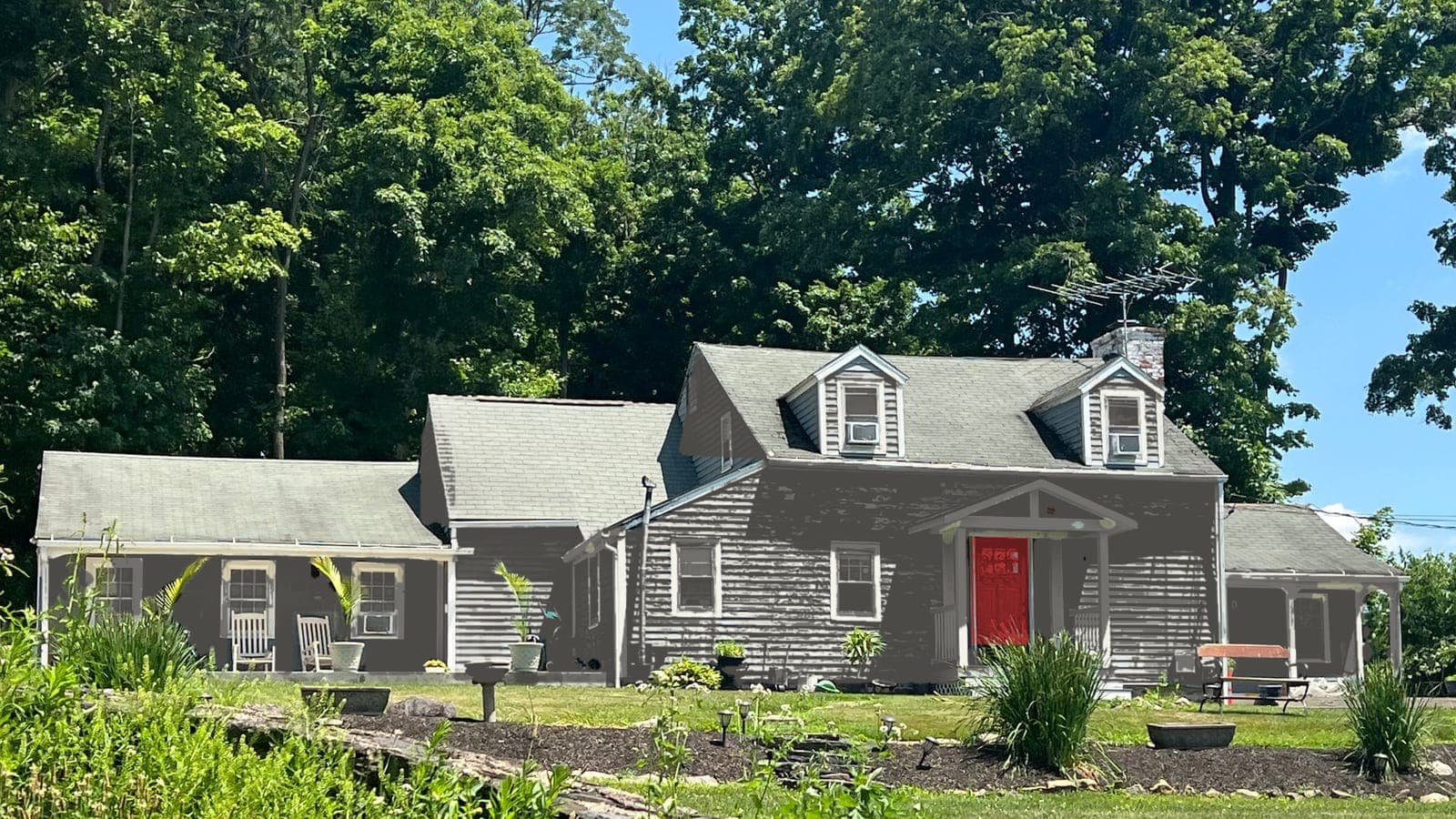
Sample house after: siding Evergreen Fog SW 9130, trim Alabaster SW 7008, front door Tricorn Black SW 6258
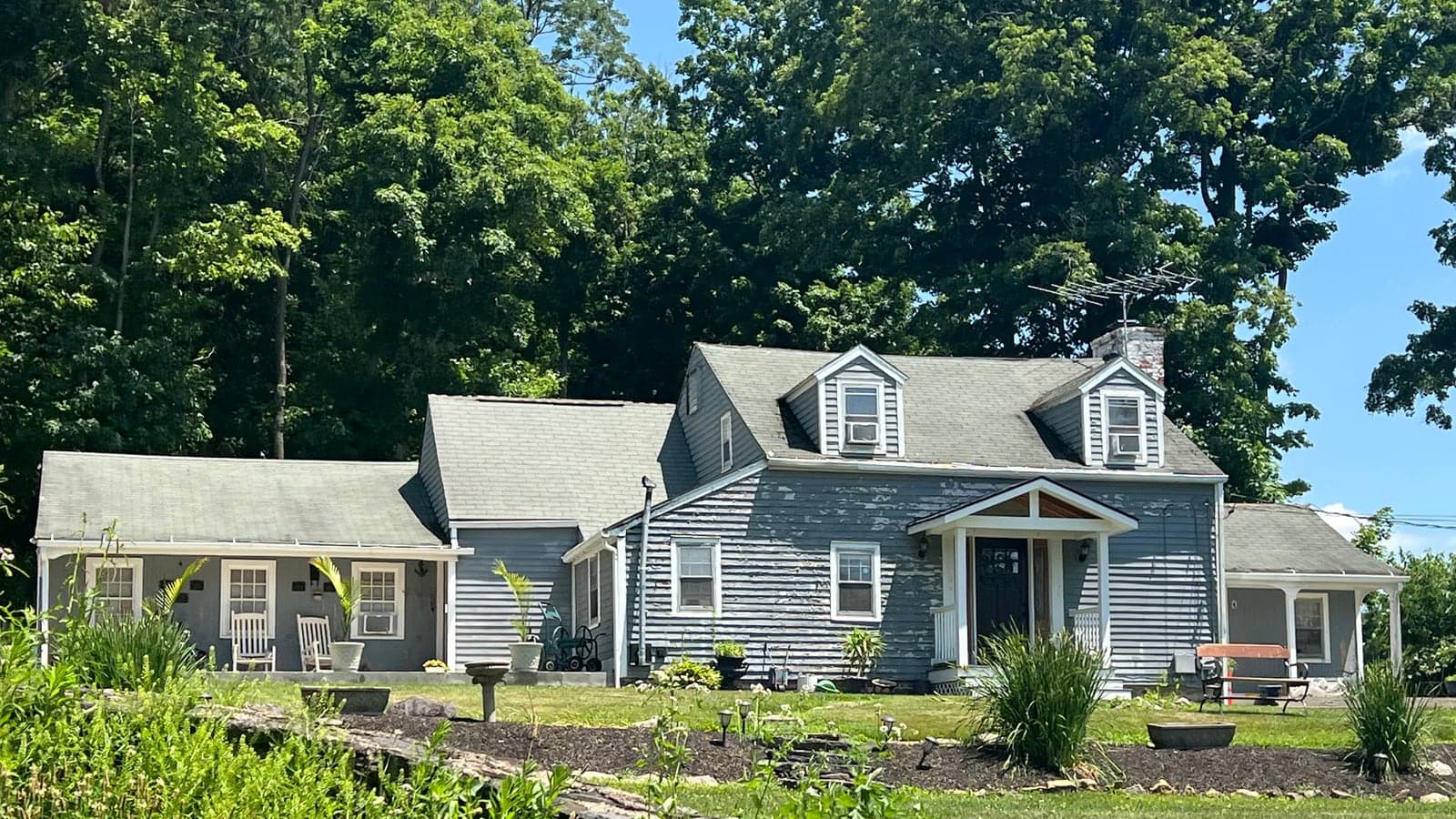
Sample house before: Cape Cod with lap siding and two dormers
BeforeSample houseAfter

Stand across the street. Whole front in frame. Daylight.

One house, four looks

This is the same Cape Cod photo with four of the popular schemes. Only the siding, trim and front door change; the dormers, windows, plants and even the bench stay where they are. That is what the Compare view gives you for your own house.

Cape Cod with lap siding and two dormers, repainted: siding Extra White SW 7006, trim Extra White SW 7006, front door Tricorn Black SW 6258
Cape Cod with lap siding and two dormers, original photo
BeforeAfter

Classic white farmhouse

Cape Cod with lap siding and two dormers

Real photo
  • SidingExtra White SW 7006
  • TrimExtra White SW 7006
  • Front doorTricorn Black SW 6258
Cape Cod with lap siding and two dormers, repainted: siding Iron Ore SW 7069, trim Iron Ore SW 7069, front door Peppercorn SW 7674
Cape Cod with lap siding and two dormers, original photo
BeforeAfter

Modern dark

Cape Cod with lap siding and two dormers

Real photo
  • SidingIron Ore SW 7069
  • TrimIron Ore SW 7069
  • Front doorPeppercorn SW 7674
Cape Cod with lap siding and two dormers, repainted: siding Evergreen Fog SW 9130, trim Alabaster SW 7008, front door Tricorn Black SW 6258
Cape Cod with lap siding and two dormers, original photo
BeforeAfter

Soft sage

Cape Cod with lap siding and two dormers

Real photo
  • SidingEvergreen Fog SW 9130
  • TrimAlabaster SW 7008
  • Front doorTricorn Black SW 6258
Cape Cod with lap siding and two dormers, repainted: siding Kendall Charcoal HC-166, trim White Dove OC-17, front door Caliente AF-290
Cape Cod with lap siding and two dormers, original photo
BeforeAfter

Charcoal and cream

Cape Cod with lap siding and two dormers

Real photo
  • SidingKendall Charcoal HC-166
  • TrimWhite Dove OC-17
  • Front doorCaliente AF-290

Screen colors are an approximation. Always check a real sample on your wall in daylight before you buy.

Why try it on your house first

Repainting the outside of a house usually costs somewhere between $5,000 and $15,000 once you add up paint, prep and labor. It is also the kind of decision you live with for ten years. Yet most people still pick a color from a two-inch chip under store lighting and hope it looks the same on 2,000 square feet of siding. It rarely does.

Virtually painting your house closes that gap. You see the color on your actual walls, next to your actual roof, brick, landscaping and neighbors, in the light your house really gets. A navy that looked calm on the chip can feel heavy on a small ranch. A warm white can turn yellow next to cedar shakes. You find that out in a minute instead of after the painters leave.

How to take the photo

The better the photo, the more you can trust what you see. You do not need a good camera, only a few minutes of planning:

  • Stand across the street so the whole front of the house fits in the frame, roof included.
  • Shoot as straight on as you can. A slight angle is fine; a steep one hides walls.
  • Pick daylight. A bright overcast day is ideal because there are no hard shadows hiding the color.
  • Move the car out of the driveway if it blocks the garage or the front door.
  • Hold the phone level so vertical lines stay vertical.

Compare looks side by side

One render answers "does this work". Four renders answer "which one". After your second render of the same photo, the Compare view puts up to four looks next to each other with the colors listed under each one, and you can make any of them the main result. It costs nothing extra because it only uses renders you already made.

When you have a favorite, copy the color codes straight from the result and take them to the store. Buy a sample quart of the top two, paint a large board, and look at it on the house in the morning and late afternoon. The visualizer gets you to a short list; real paint in real light makes the final call.

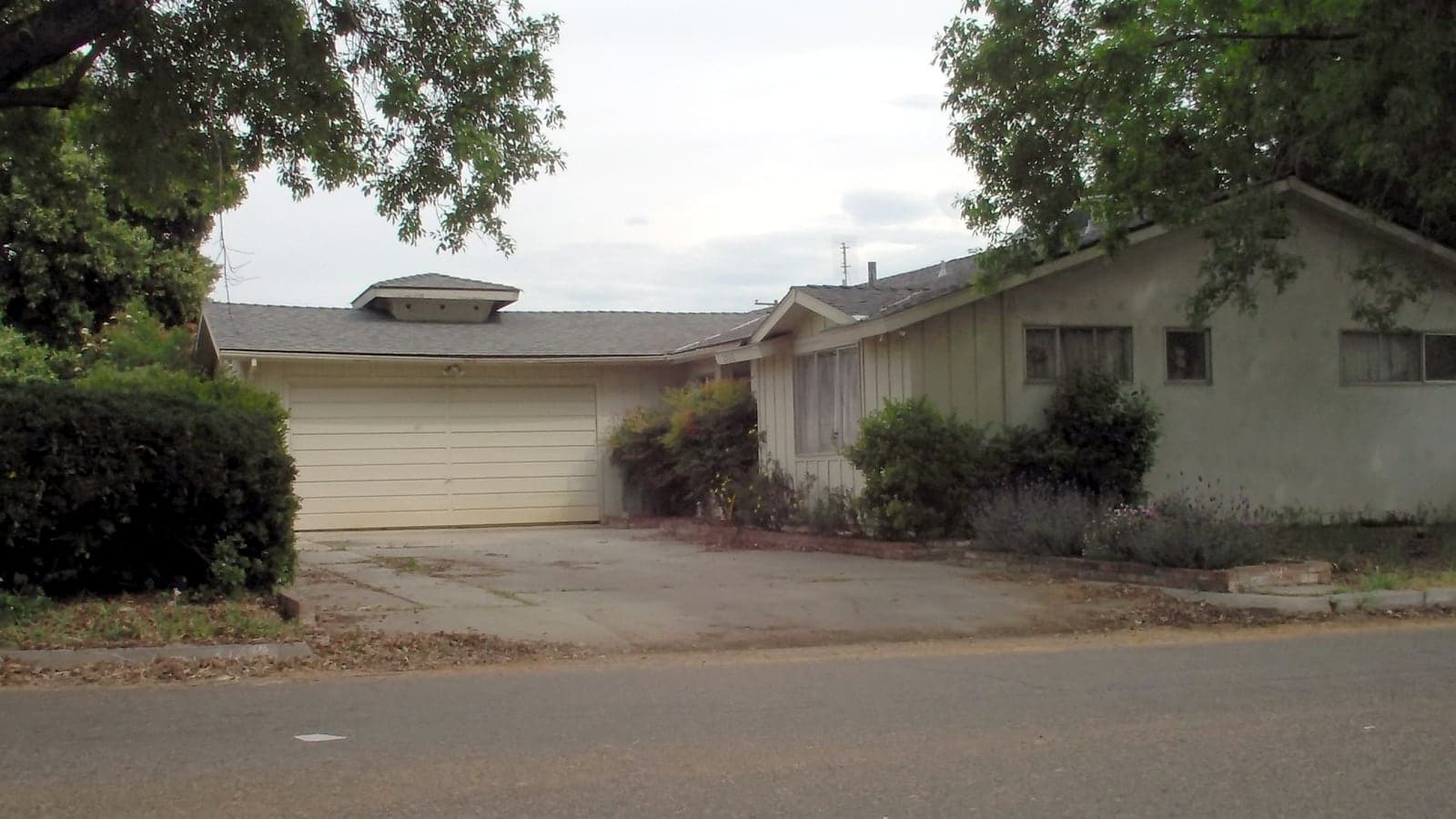
A good photo vs a harder one

Good: across the street, daylight
Harder: trees and shade in front

Questions about the virtually paint your house

Do I have to trace or mask the walls?

No. There is no brush, no masking and no tracing. You pick the surfaces and the colors, and the render repaints only those surfaces on your photo.

How long does a render take?

Usually 30 to 45 seconds. You can pick your next color while you wait, and if you leave the page the render is saved on your account page.

Can I compare several colors on my house?

Yes. From your second render of the same photo, Compare shows up to four looks side by side, each with its color names and codes. Comparing is free.

Will it work with a photo I already have?

Usually, as long as the photo shows the whole front of the house in daylight and is at least 1000 pixels on the long side. Real estate photos and phone photos both work.

How much does it cost to virtually paint my house?

The first 2 renders are free. The Project Pass is $9.99 once for 25 renders and HD downloads, with no subscription.

$9.99

Try 2 renders free.

Then $9.99 once for 25 renders and HD downloads for your whole project. No subscription.

See pricing