


No download, no account to start
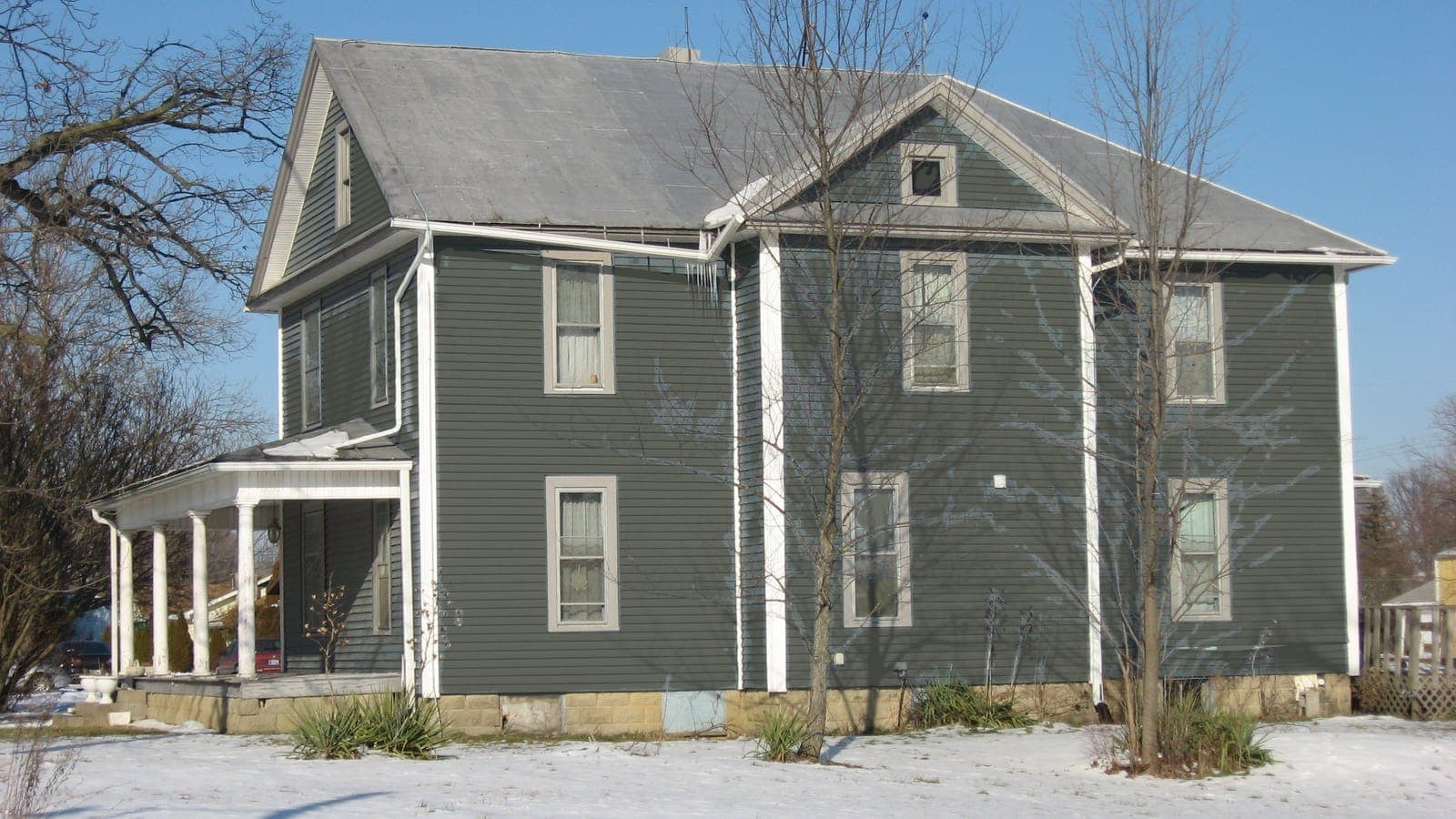
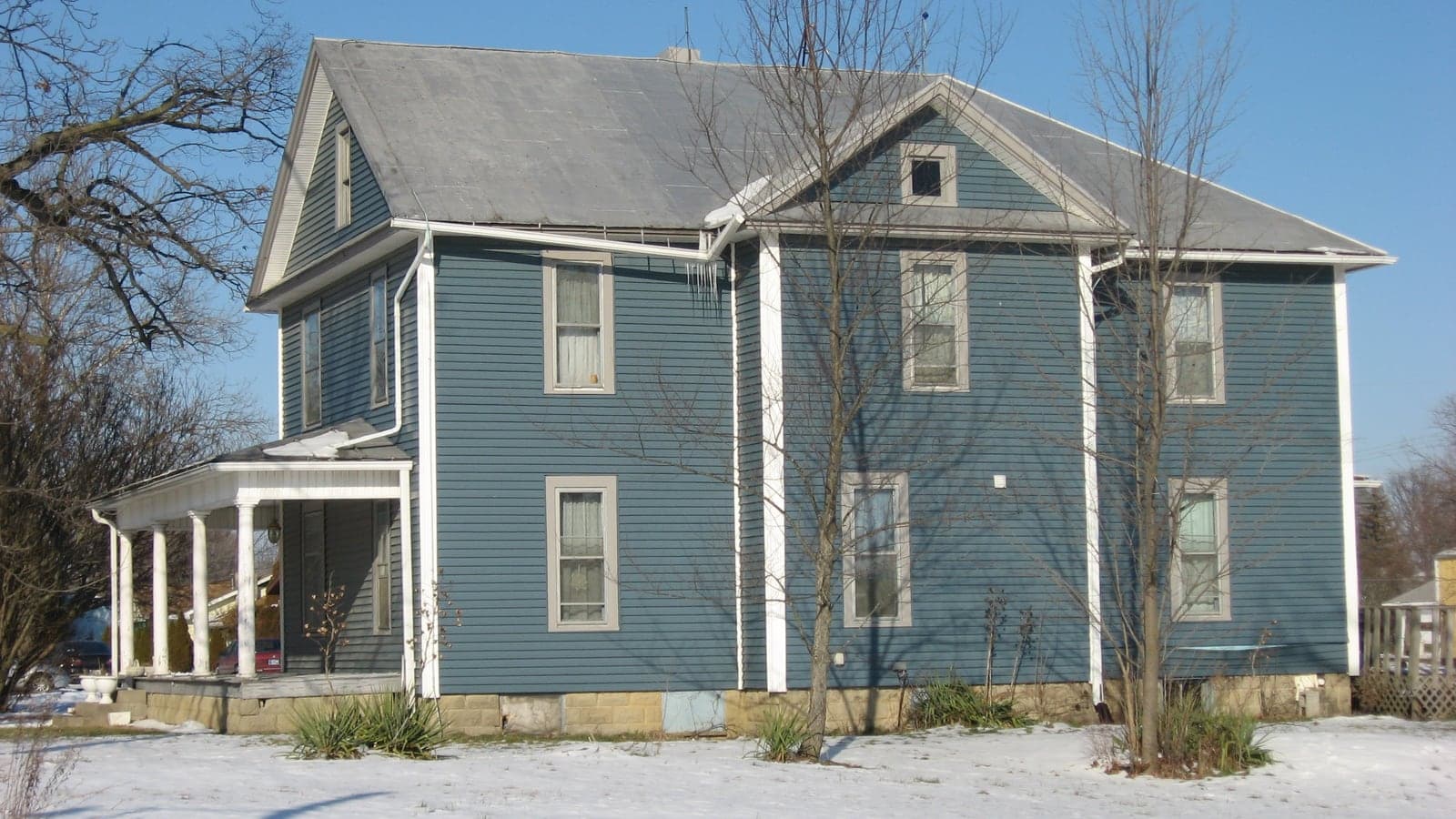
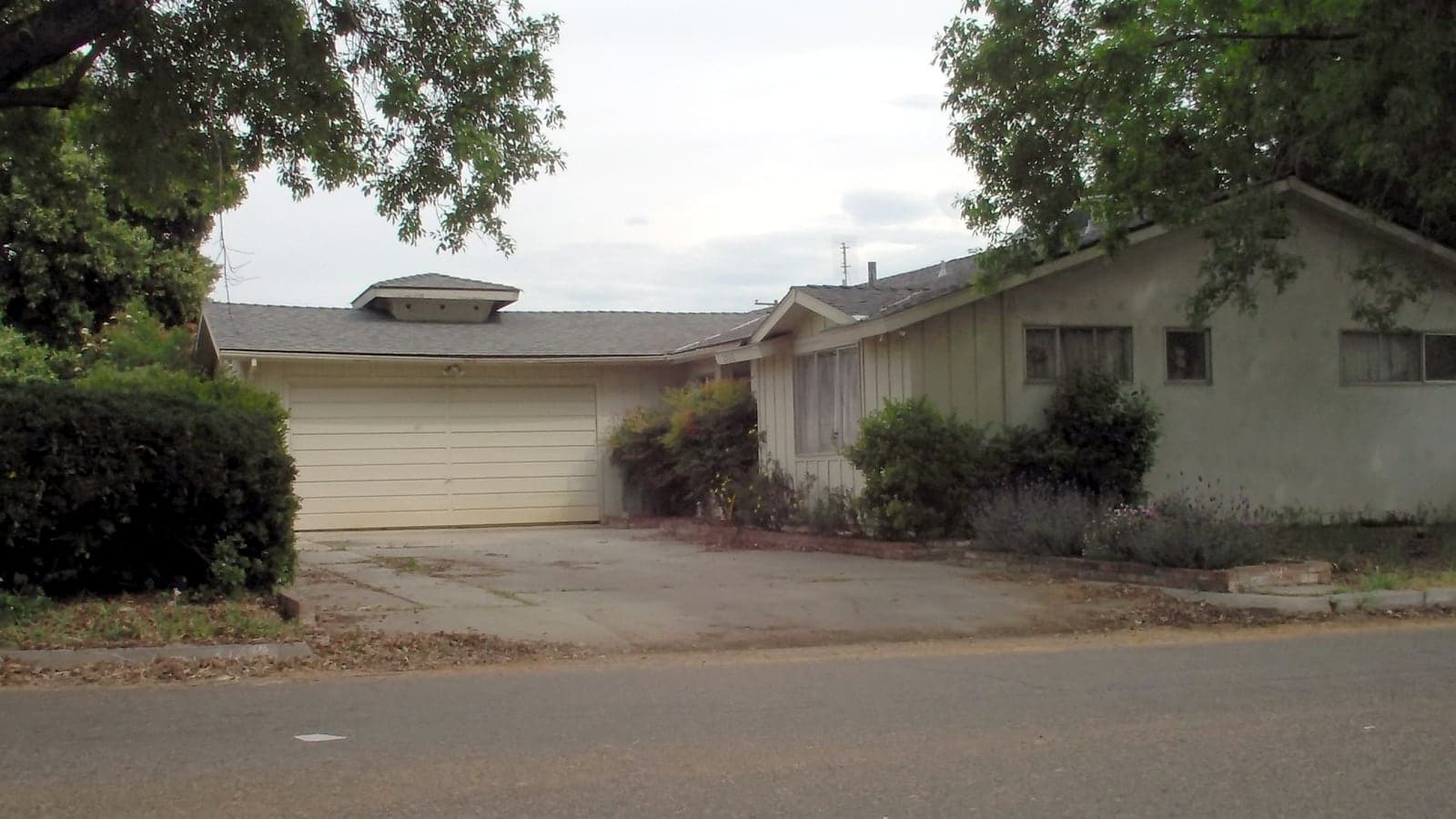
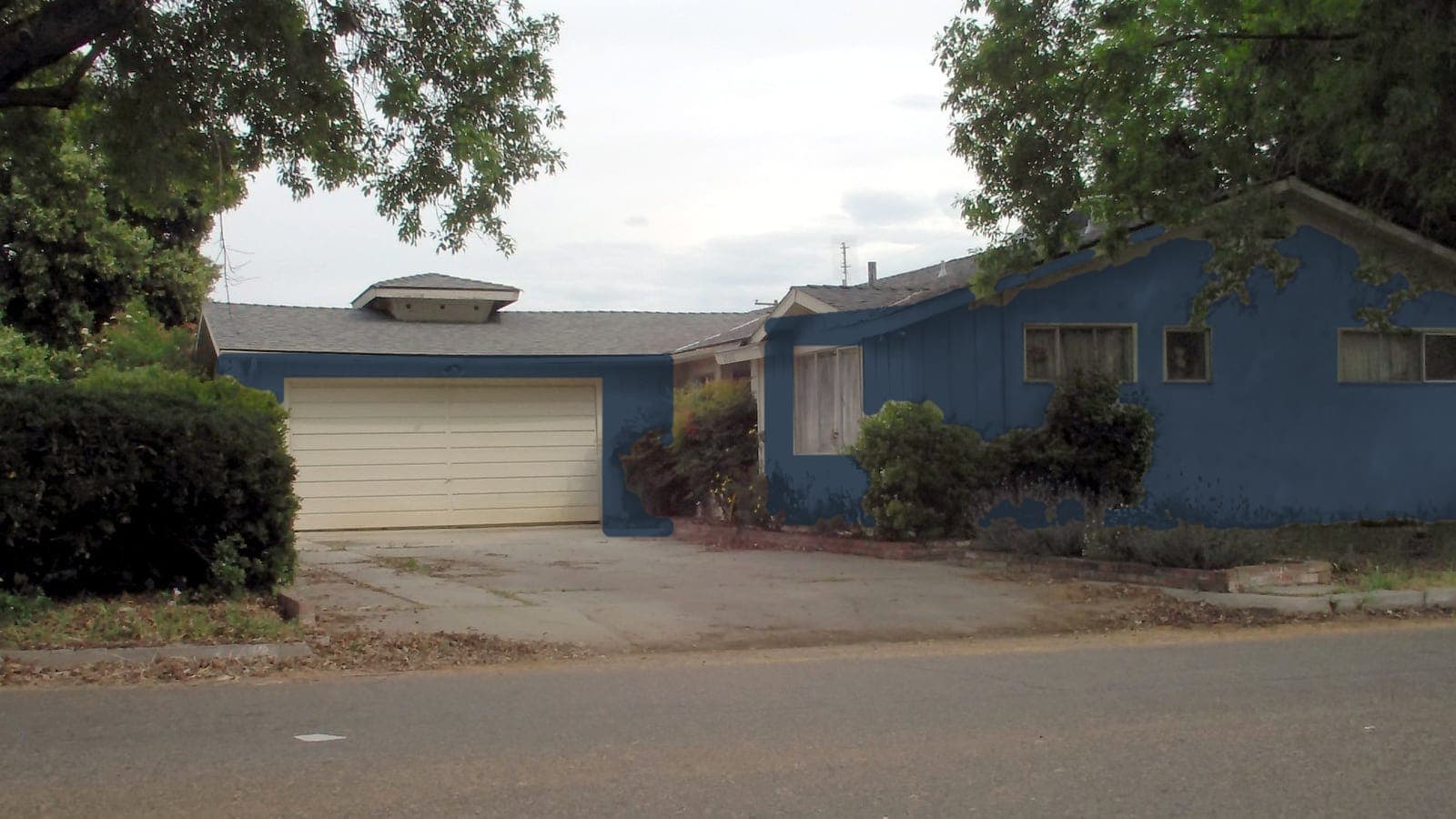
Most paint apps want you to install something, create an account and then paint a sample house that looks nothing like yours. This one opens in Safari or Chrome. Tap "Upload your house", choose Take Photo, and the editor opens with your photo while it uploads. Pick colors, tap Paint my house, and the result comes back on the same screen.
Your first render needs no email at all. Add your email for a second free render, and your renders stay on your account so you can come back to them from any device.
Made for one thumb, outside
You are probably standing on the sidewalk across from your house when you use this. So the main buttons sit at the bottom of the screen where your thumb is, the text stays readable in sunlight, and everything works one-handed. Drag the slider to compare, or press and hold the photo to see the original.
When you have a look you like, tap Share to send the preview to your partner, your painter or the group chat. It shares the preview image directly from your phone, so the other person does not need anything installed either.
Add it to your home screen
If you will use it over a few days while you decide, put it on your home screen so it opens like an app:
- iPhone: open the site in Safari, tap the Share button, then "Add to Home Screen".
- Android: open the site in Chrome, tap the three-dot menu, then "Add to Home screen" or "Install app".